 Tech


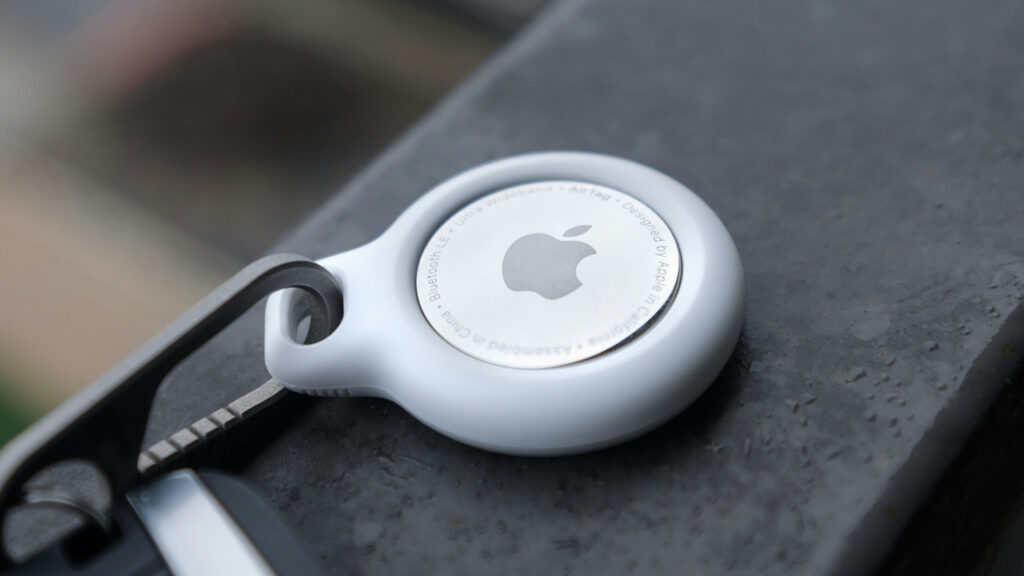
Got a “Low Battery” alert for your AirTag? Good news: you don’t need to buy a new one. Every AirTag, including the new AirTag (2nd generation) Apple launched in 2026, uses a standard CR2032 coin battery that you can swap yourself in under a minute. No tools needed.
Quick answer: how to change an AirTag battery
- Press down on the shiny stainless steel back and twist it anticlockwise until it stops.
- Lift off the cover and remove the old battery.
- Insert a new CR2032 3V lithium coin battery with the positive (+) side facing up. You’ll hear a chime.
- Put the cover back on, aligning the three tabs, then press down and twist clockwise until it locks.

Step-by-step: replacing the AirTag battery
1. Open the AirTag
Hold the AirTag with the white side down and the polished metal side facing you. Place two thumbs on the metal cover, press down firmly, and rotate it anticlockwise. It only turns a few millimetres before it stops. If it won’t move, press harder. The cover is designed to need real pressure so it can’t open in your pocket.
2. Remove the old battery
Lift the cover off. The coin battery sits loose underneath. Tip it out or lift it with a fingernail.
3. Insert the new battery
Drop in a new CR2032 with the + side facing up, towards you. The AirTag plays a short sound when the battery connects. If you hear nothing, check the battery’s orientation and that you’ve removed any plastic film.
4. Close it up
Line up the three tabs on the cover with the three slots on the AirTag. Press down and rotate clockwise until it stops. Done.
Which battery does an AirTag use?
A CR2032 lithium 3V coin cell. It’s sold at supermarkets, pharmacies and electronics stores everywhere, including Carrefour, Lulu and Sharaf DG in the UAE.
Watch out for bitter-coated batteries. Some CR2032 batteries have a bitter coating to stop children swallowing them. Certain coatings can stop the battery touching the AirTag’s contacts properly. If you buy a bitter-coated pack, choose one labelled as compatible with Apple AirTag.

How to check your AirTag battery level
- Open the Find My app on your iPhone.
- Tap Items.
- Tap your AirTag. If the charge is low, you’ll see Low Battery under its name. Your iPhone also sends a notification when it’s time to replace it.
How long does an AirTag battery last?
Apple rates the battery for more than a year of typical use. Playing sounds often or using Precision Finding a lot drains it faster. So do very cold conditions.
AirTag not working after a battery change?
- No chime: flip the battery so the + side faces up, and make sure it’s a fresh CR2032.
- Still shows Low Battery: wait a few minutes near your iPhone for Find My to update, or restart your iPhone.
- Cover won’t lock: realign the three tabs and press down harder while twisting clockwise.
- Bitter-coated battery: try a standard CR2032 or one marked AirTag-compatible.
Safety: keep coin batteries away from children
Coin batteries are extremely dangerous if swallowed. They can cause serious internal burns within hours. Keep new and used batteries, the AirTag and its cover out of reach of children. Get emergency medical help immediately if you think a battery has been swallowed. Recycle old batteries at a battery collection point rather than throwing them in household waste.
Frequently Asked Questions
How do I replace the battery in my AirTag?
Press down on the metal cover and twist it anticlockwise, remove the cover and old battery, insert a new CR2032 with the + side up, then replace the cover and twist clockwise until it locks.
What battery does an Apple AirTag use?
A CR2032 lithium 3V coin cell battery, available at most supermarkets, pharmacies and electronics stores.
Does the AirTag 2nd generation have a replaceable battery?
Yes. AirTag (2nd generation) also uses a user-replaceable CR2032 coin cell battery.
How long does an AirTag battery last?
Apple rates it for more than a year of typical use. Frequent sounds, Precision Finding and cold weather shorten it.
Why is my AirTag not working after changing the battery?
Check the + side faces up, use a fresh CR2032, and avoid some bitter-coated batteries that may not make proper contact. Then keep it near your iPhone so Find My can update.