 Tech


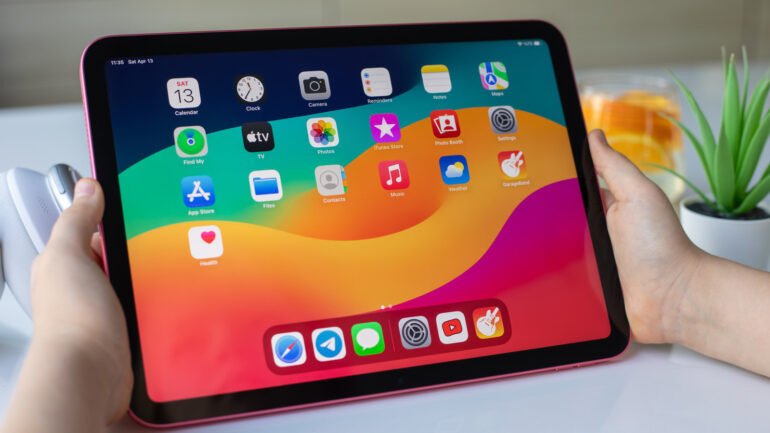
Muffled audio on a tablet is often caused by something blocking the speakers, not by faulty hardware. A case covering the openings or a build-up of dirt and debris can make sound seem as if it is coming from underwater. Three quick checks can often fix it before you pay for a repair or replacement.
Start with the case and screen protector
Apple lists removing the case and screen protector as a first step when troubleshooting iPad sound problems, because it rules out the most common culprits. A badly fitted screen protector can sit over the speaker openings. A loose case or a lifting protector can also rattle against the body and muddy the sound.
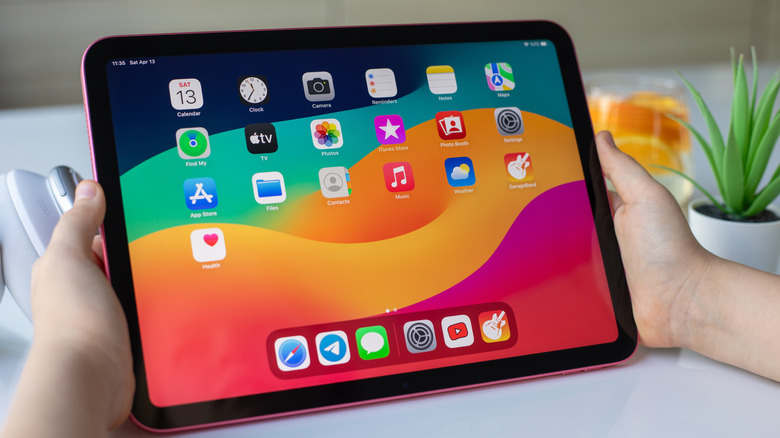
If the audio improves with both removed, put the case back on and test again. If the sound gets worse once the case is fitted, leave it off while you decide whether to reposition it or buy a new one.
Clean the speaker openings gently
With the speakers exposed, power the tablet off and unplug all cables. Use a small, soft-bristled, nonmetallic dry brush to lift dust and lint from the speaker grilles. Make sure the brush is clean, and sweep debris away from the openings rather than into them.
Do not blow into the speakers or use compressed air. A strong puff can push dirt deeper, and breath carries moisture that makes the job harder. Use a microfiber cloth to wipe away the loosened debris.

Rule out software and sound settings
If cleaning makes no difference, the speakers may be fine and the tablet may simply be using the wrong audio settings. Equalizer presets in particular can change how sound comes across.
- Samsung Galaxy tablets: go to Settings > Sounds and vibration > Sound quality and effects > Equalizer, and set it to Normal.
- iPad (Music app): go to Settings > Apps > Music > EQ and turn it off to see whether the speakers sound better.
Test with an external speaker
Another way to narrow down the cause is to connect the tablet to a Bluetooth speaker or a pair of earphones. If audio sounds good through them but poor through the built-in speakers, the tablet’s speakers are the likely problem and may need a repair.
If you would rather use an external speaker long term, options include the JBL Charge 6 and the Beats Pill.
Source: Engadget