

• 26/06/2026
  • Home
  • About us
  • Contact Us
  • Privacy Policy
  • Subscribe
  • Tech News
    Tech News

    Middle East Outpaces World on Industrial AI and Grid Modernization, Siemens Report Finds

    HP Folds Poly Headsets, Meeting Rooms and Software Into One AI Platform at InfoComm 2026

    Fujairah Launches the UAE’s First Digital Pollen Atlas Platform

  • Reviews
    Reviews

    Teamwork.com Review

    Monday.com Review

    AI Deepfake Attacks are the biggest data security risk businesses face right now

    The ASUS ExpertCenter PN54 is a tiny AI powerhouse that actually delivers

    Nintendo Alarmo, Nintendo Sound Clock, bedside gadget, Zelda, Mario Odyssey, motion sensor alarm, sleep tracking, nostalgic gadgets, quirky alarm clock, tech reviews, gadget analysis, fan collectibles, device setup

    Nintendo Alarmo Review

  • Auto Tech
    Auto Tech

    Kia PV5 Passenger Named ‘Best Large Car’ at the 2026 Autocar Awards

    Chevrolet Previews Next-Generation 2027 Silverado 1500 for the GCC With New V8 Engines

    Lincoln Goes All-In on SUVs in the Middle East, Spotlighting the Nautilus Hybrid

  • Troubleshoot
    Troubleshoot

    Best drones to buy for professional photography

    AirTag battery replacement is quick and easy, so here’s how you can do it yourself

    How to Run Windows XP on the Steam Deck: The 2026 Restoration Guide

    • Glossary
Reading
How to add an email account in an iPhone
ShareTweet
How to add an email account in an iPhone
Parth
How to
05/12/2020 1 min read

How to add an email account in an iPhone

Skip the read. Chat with this article.

GeminiChatGPTPerplexityClaudeGrok

One of the most popular ways of expressing yourself or exchanging ideas is through communication. In this growing world of technology, we have been gifted with multiple ways of communication, some of which, include –

  1. Text Messaging (SMS or MMS)
  2. Social Media Messengers (Whatsapp, Messenger, etc)
  3. Emails

Out of the three, probably the oldest and most reliable is option 3 – Emails. Sending an email started off as the first means of communication between a lot of people and OEMs have respected that sentiment, and rather than offloading this humble means of communication, they have taken it to higher levels. The iPhone family comes with a holistic email app, that allows you to include multiple email ids in one place, allowing you complete control over your email communications.

In this tutorial, we will show you how to add an email account to an iPhone.

Open the ‘Settings’ app on the iPhone.
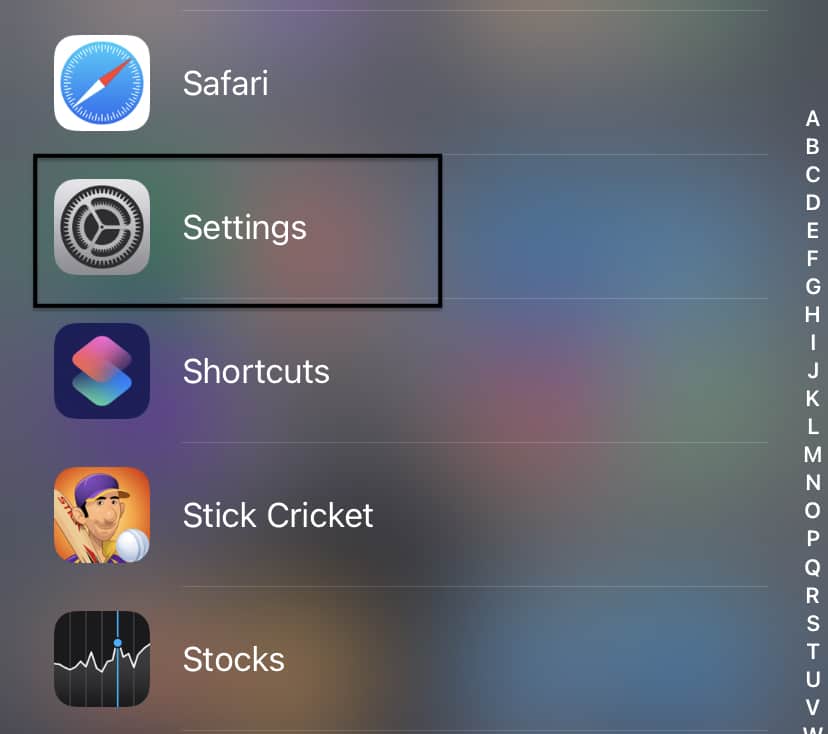
 

How to add an email account in an iPhone


Scroll through the settings menu and tap on the ‘Mail’ app settings.
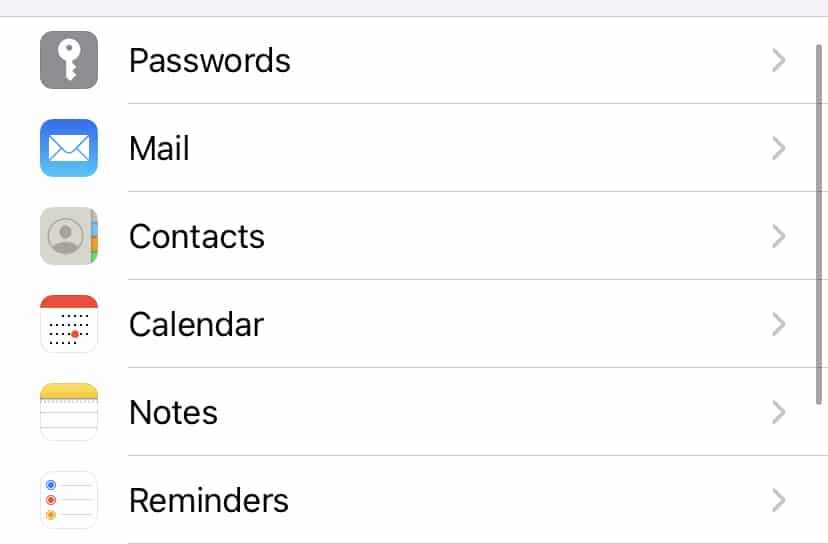
 

How to add an email account in an iPhone


Tap on the ‘Accounts’ option in the Mail settings.
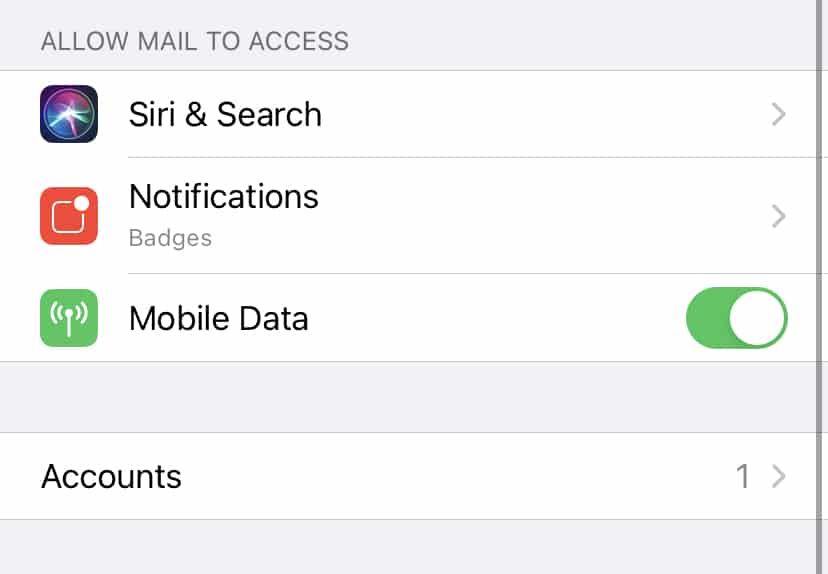


Now, tap on the ‘Add account option.
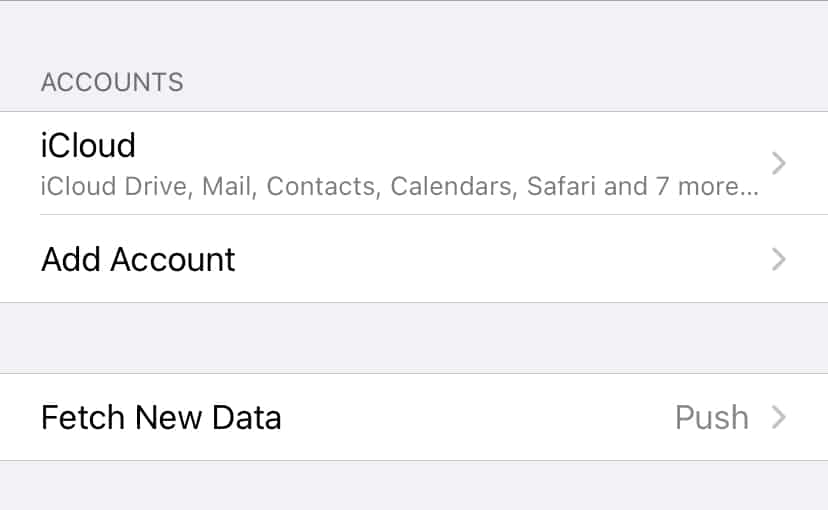
 

How to add an email account in an iPhone


Choose the email provider of your account. We will go with Google for this tutorial.
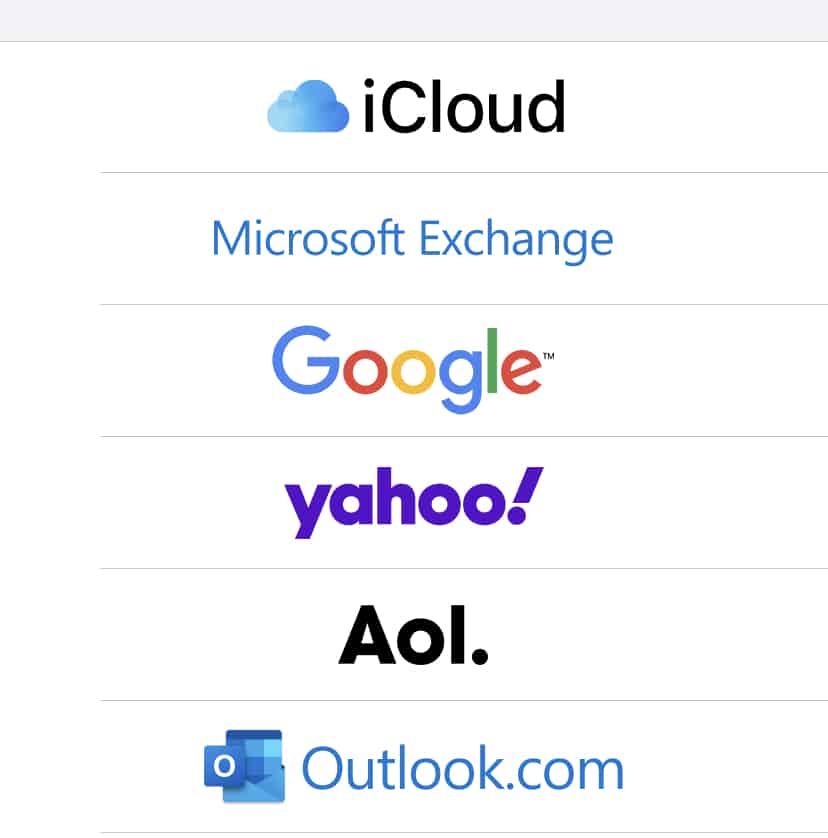


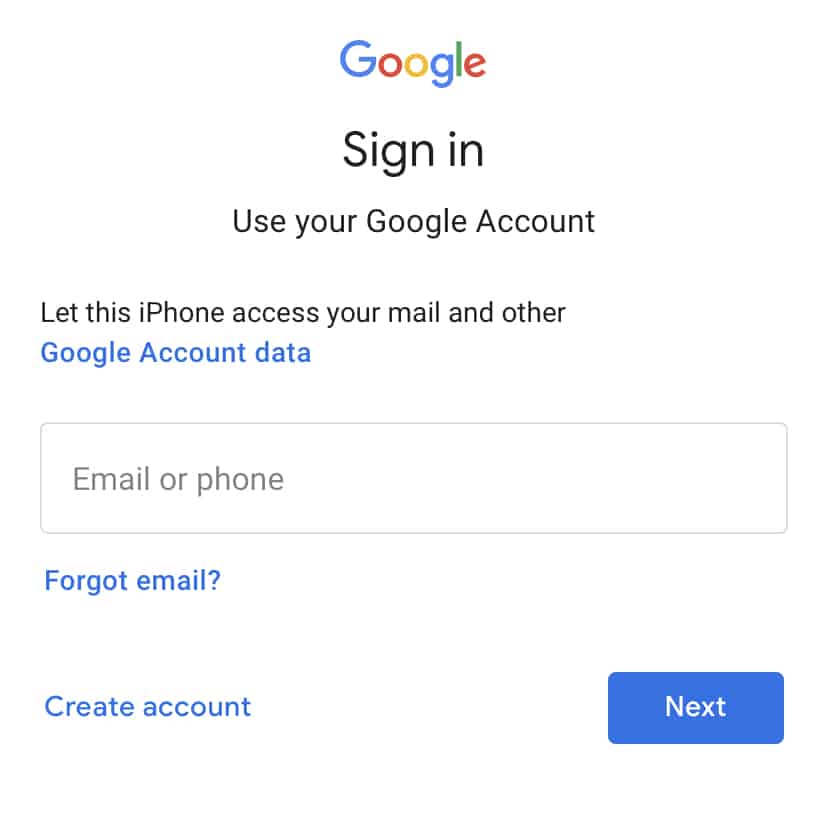
You will now see the familiar Google Sign-in form. Enter your credentials and complete the login process.


After a few moments, you will see your Gmail account synced to your iPhone.

You can similarly add other email clients within the app if you are in the habit of using multiple email IDs for your work and personal use.

The Mail app comes pre-installed on Mac and Macbook, as well as iOS and iPadOS devices, which means you can get started right after you boot and set up your devices.

Tags
email accountiPhone
Share
Previous How to connect an iPhone to a Mac
Next What is file sharing on the Mac and how to set it up

Recent Posts

  • Middle East Outpaces World on Industrial AI and Grid Modernization, Siemens Report Finds
  • HP Folds Poly Headsets, Meeting Rooms and Software Into One AI Platform at InfoComm 2026
  • Fujairah Launches the UAE’s First Digital Pollen Atlas Platform
All Rights Reserved TechPlugged.com
  • Home
  • About us
  • Contact Us
  • Privacy Policy
  • Tech News
  • Reviews
  • Auto Tech
  • Troubleshoot
    • Glossary
Press ESC to close
[convertkit form=3237866]