



A recent security update for Windows 11 has caused an unexpected headache for many computer users. While these updates are usually designed to keep systems safe and running smoothly, a specific bug in a recent patch has left some devices unable to perform basic tasks like shutting down or restarting. Microsoft has acknowledged the problem and is already rolling out a solution to ensure that people can regain full control over their hardware without having to resort to pulling the power cord.
An update with unintended consequences
The trouble began shortly after the release of a standard security patch intended to strengthen the operating system against external threats. While the update did its job in terms of security, it introduced a conflict within the system’s core processes. Users started reporting that when they clicked the button to turn off their computers, the screen would simply hang or the system would become completely unresponsive. This forced many to perform hard resets by holding down the physical power button, which is generally not recommended as it can sometimes lead to data loss or file corruption. The issue seemed to affect a specific subset of Windows 11 versions, particularly those running newer hardware configurations.
How this emergency fix has worked
To address this quickly, Microsoft utilized a specialized tool known as Known Issue Rollback. This is a clever feature that allows the company to remotely disable a specific, problematic part of an update without requiring the user to uninstall the entire patch. It essentially tells the computer to stop using the faulty code and go back to the previous, working version for that specific function. This happens automatically in the background, so most people will not even notice the change occurring. The goal was to provide a remedy that does not compromise the security improvements that were part of the original update while still fixing the broken shutdown sequence.
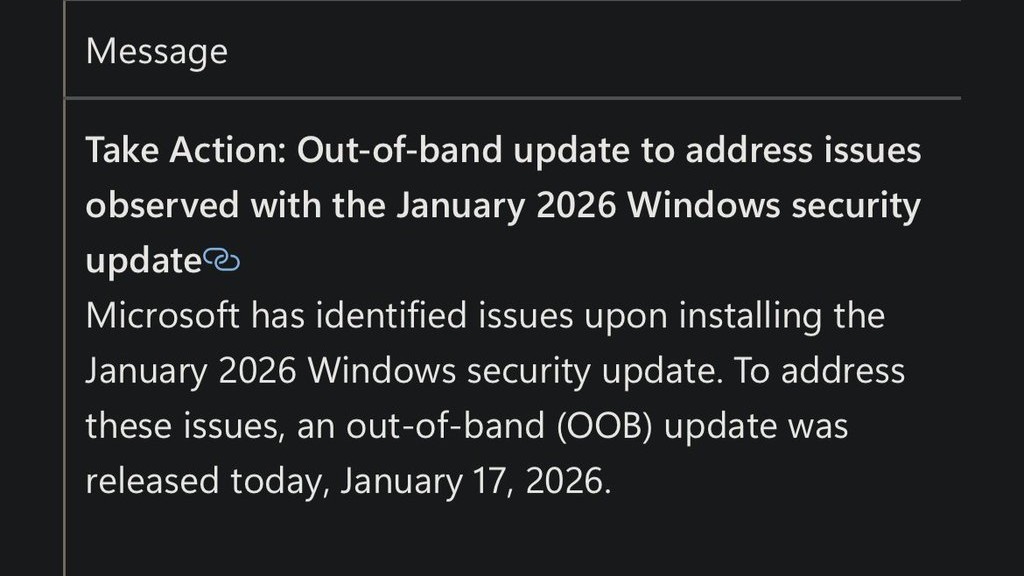
For most users, there is no need to manually download a new file or change complicated settings. The fix is designed to propagate through the Windows Update system on its own. However, because these rollouts happen in waves, it might take a short period for every affected machine to receive the instructions. This method of fixing bugs has become a vital part of how modern software is maintained, as it allows developers to react to widespread errors in real time rather than waiting for the next monthly update cycle to roll around. It also highlights the complexity of modern operating systems, where a small change in one area can have a ripple effect on basic functions like power management.
If you are still experiencing trouble with your computer not shutting down properly, the best course of action is to check your settings for any pending updates. Most devices will receive the emergency fix automatically within twenty four hours as long as they are connected to the internet. If the problem persists, you can try restarting your machine once more to allow the system to apply the background changes. Microsoft suggests that once the fix is active, the shutdown and restart buttons should return to their normal behavior immediately. There is no official release date for a secondary manual patch since this automatic rollback is intended to be the final solution for this specific glitch.
