 Tech


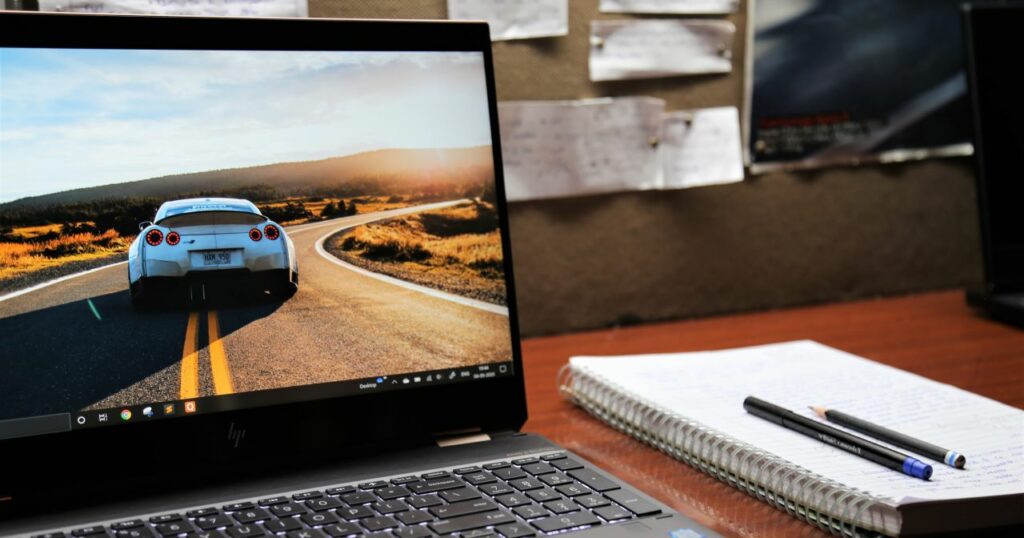
There are hundreds of Windows laptops, from AED 1,500 budget models to high-end creator machines. The right one depends far more on how you’ll use it than on brand. This guide helps you match specs to your needs.
Start with how you’ll use it
- Students and everyday use: web, documents, streaming. A mid-range chip, 16 GB RAM, 512 GB SSD and a lightweight design.
- Office and business: long battery life, a comfortable keyboard, a good webcam and mic, and security features like a fingerprint reader or Windows Hello face login.
- Creators: photo and video editing. A colour-accurate OLED or high-quality IPS screen, 32 GB RAM, a fast SSD and dedicated graphics.
- Gamers: an NVIDIA GeForce RTX GPU, a high-refresh-rate screen (144Hz+) and good cooling.

Key specs explained
- Processor: current Intel Core Ultra, AMD Ryzen AI and Qualcomm Snapdragon X chips are all capable. Snapdragon models offer excellent battery life, but check that your essential apps and games run on Arm.
- RAM: 16 GB is the sensible minimum in 2026. 8 GB feels slow quickly.
- Storage: choose an SSD of at least 512 GB.
- Screen: Full HD minimum. OLED gives the best contrast. Aim for 300+ nits brightness for use near windows.
- Battery: look at independent review tests, not the manufacturer’s claims.
- Ports: USB-C with charging, plus USB-A and HDMI if you use older accessories.
What is a Copilot+ PC?
Copilot+ PCs have a powerful built-in NPU (neural processing unit) that runs certain Windows AI features on-device, such as Recall, live captions with translation and image tools. They’re nice to have, but not essential for most buyers.
Shape and size
- 13–14 inch: best for portability.
- 15–16 inch: more screen space and often better performance.
- 2-in-1: a touchscreen that folds into a tablet, good for note-taking with a pen.
Buying tips
- Check the warranty and the local service centre before buying online.
- Look for international keyboard layouts (English/Arabic in the GCC) if you need them.
- Last year’s model on sale is often better value than this year’s entry-level one.
Frequently Asked Questions
Which Windows laptop should I buy?
Match it to your use: lightweight with 16 GB RAM for students, long battery and good webcam for office work, colour-accurate screen and 32 GB RAM for creators, and an RTX GPU for gaming.
How much RAM do I need in a Windows laptop?
16 GB is the sensible minimum in 2026. Creators and gamers benefit from 32 GB.
Do I need a Copilot+ PC?
Not necessarily. Copilot+ PCs run some Windows AI features on-device, but most everyday tasks work fine on any modern laptop.