

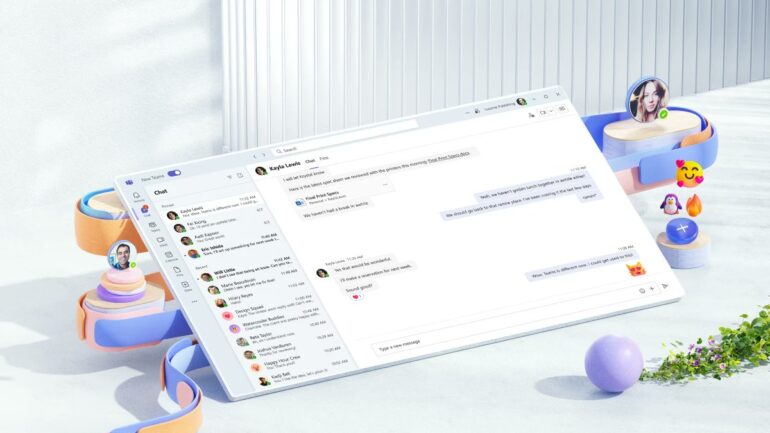

Microsoft is making a big change to its Teams app to help keep businesses safe from online criminals. Starting on January 12, 2026, the company will automatically turn on several security tools for everyone who uses the app for work. Usually, these kinds of settings are optional, and many companies forget to turn them on. Microsoft decided that it is better to have them active by default so that even people who are not tech experts are protected. This is a big deal because millions of people use Teams every day to talk to their coworkers and share files, which makes it a prime target for hackers who want to steal information.
The main goal of this update is to stop what is called “phishing” and “malware” attacks. Phishing is when a hacker sends a fake message that looks real to trick you into clicking a bad link. Malware is a type of “bad software” that can spy on your computer or lock your files until you pay money. By turning these defenses on for everyone, Microsoft is trying to build a digital wall around your office chats. If a hacker tries to send a bad file through a chat window, the app will now be smart enough to recognize it and block it before anyone can click on it. It is like having a security guard who checks every package that comes into a building.
How will Microsoft Teams protect your chats?
The first new feature is called “Weaponizable File Type Protection.” This sounds complicated, but it basically means that Teams will now watch for specific types of files that are known to be dangerous. Hackers often hide viruses inside files that look like regular documents or computer scripts. If someone tries to send one of these high-risk files in a channel or a private chat, Teams will stop the message from going through. This keeps employees from accidentally downloading something that could infect the entire company network. It is a very direct way to stop a virus from spreading from one person to another.
The second feature focuses on the web links people share in their messages. Teams will now perform a real-time scan of every URL or web address that is sent in a chat. If the link leads to a website that is known for being used by scammers, a warning will pop up to tell the user that the site is not safe. This is especially helpful because hackers have started using artificial intelligence to make their fake websites look almost identical to real ones like Google or Microsoft. With this new tool, the app does the hard work of checking the background of a website so that the user does not have to guess if a link is safe or not.
The third part of the update is a new way for users to help improve the system. Sometimes, the security software might accidentally block a file or a link that is actually perfectly safe. This is called a “false positive.” Microsoft is adding a feedback button so that if this happens, users can report the mistake directly to the tech team. This helps the computers learn and get smarter over time so they can tell the difference between a real threat and a regular work document. It allows the security system to get better without getting in the way of people trying to do their jobs.
How does this help business owners?
For most people, this update will happen in the background without them needing to do anything. If you are a regular employee, you might just notice that a message gets blocked every once in a while if it looks suspicious. However, for the people who manage the company’s computers, known as administrators, there is a little bit of work to do. If a company has a specific reason why they do not want these features turned on, they have until January 12 to go into the settings and turn them off. Microsoft is encouraging everyone to keep them active, but they are giving businesses the choice to manage their own rules if they need to.
Release and Pricing (if any)
The transition to this new security model for Microsoft Teams will officially begin on January 12, 2026. This change will apply automatically to all organizations that are using the standard or “default” settings provided by Microsoft. If your company has already hired a tech team to create custom security rules, your settings will stay the same and will not be overwritten. This update is being provided at no extra cost to users, as Microsoft now considers these high-end protections to be a basic part of the service.
