

• 19/05/2026
  • Home
  • About us
  • Contact Us
  • Privacy Policy
  • Subscribe
  • Tech News
    Tech News

    OPPO Find N6 tries to erase the foldable crease with a ‘Zero-Feel’ display

    SentinelOne expands its AI security stack to on?prem and air?gapped environments

    Vertiv launches CoolPhase Wall, a wall-mounted cooling unit for edge and small server rooms

  • Reviews
    Reviews

    Teamwork.com Review

    Monday.com Review

    AI Deepfake Attacks are the biggest data security risk businesses face right now

    The ASUS ExpertCenter PN54 is a tiny AI powerhouse that actually delivers

    Nintendo Alarmo, Nintendo Sound Clock, bedside gadget, Zelda, Mario Odyssey, motion sensor alarm, sleep tracking, nostalgic gadgets, quirky alarm clock, tech reviews, gadget analysis, fan collectibles, device setup

    Nintendo Alarmo Review

  • Auto Tech
    Auto Tech

    FarEye rolls out PILOT, an agentic AI dispatcher for last?mile logistics

    George Russell tops Chinese Grand Prix FP1 as Mercedes show early pace at Shanghai

    Denza Z9 GT refresh brings a massive range boost to the luxury EV market

  • Troubleshoot
    Troubleshoot

    Best drones to buy for professional photography

    AirTag battery replacement is quick and easy, so here’s how you can do it yourself

    How to Run Windows XP on the Steam Deck: The 2026 Restoration Guide

    • Glossary
Reading
How to delete your Signal Messaging App account
ShareTweet
Parth
How to
30/01/2021 1 min read

How to delete your Signal Messaging App account

The Signal messaging app is an instant messaging application that works on the principle of true end to end encryption. A lot of people have been switching to this app, ever since Whatsapp introduced a new set of terms of use, that allowed their parent company, Facebook, to access absolutely every bit of data that is shared on the Whatsapp platform.

What is even more baffling is that you end up losing access to the Whatsapp account if you don’t accept these terms of use. All of these factors have started a revolution, where users are fully switching to the more secure Signal Messaging App.

However, one thing to note is that using Signal means using a new messaging platform and if you are someone who is just using Signal as a trial, and after use, you are not convinced with the platform, you can always delete your Account.

In this tutorial, we will show you how to delete your Signal Messaging app account.

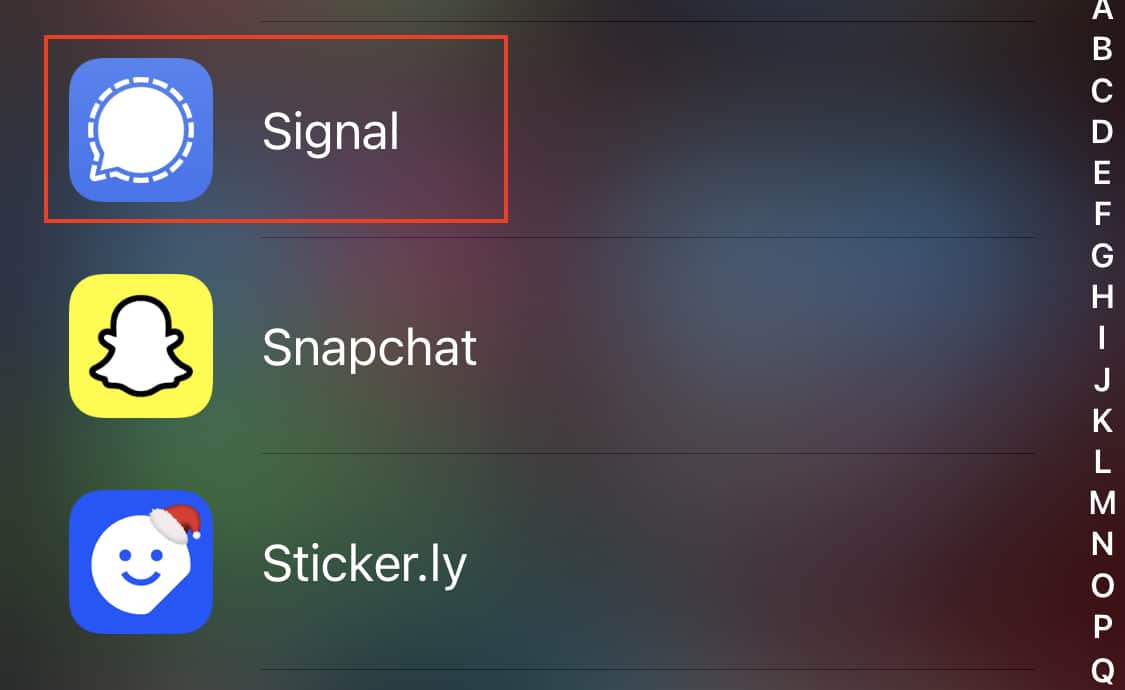
Open the Signal Messaging app on your smartphone.
 

How to add chat wallpapers in the Signal Messaging App


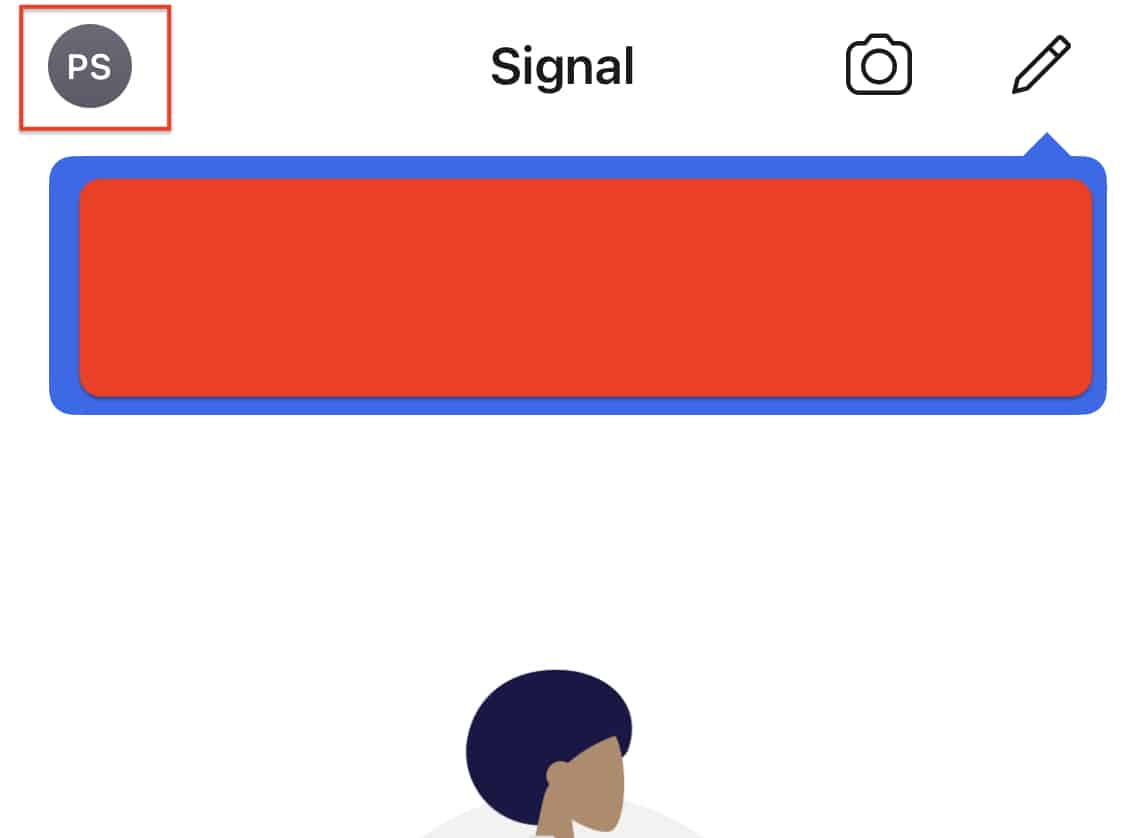
Tap on the User icon at the top left-hand side of the home screen.
 

How to set a profile picture on the Signal Messaging App


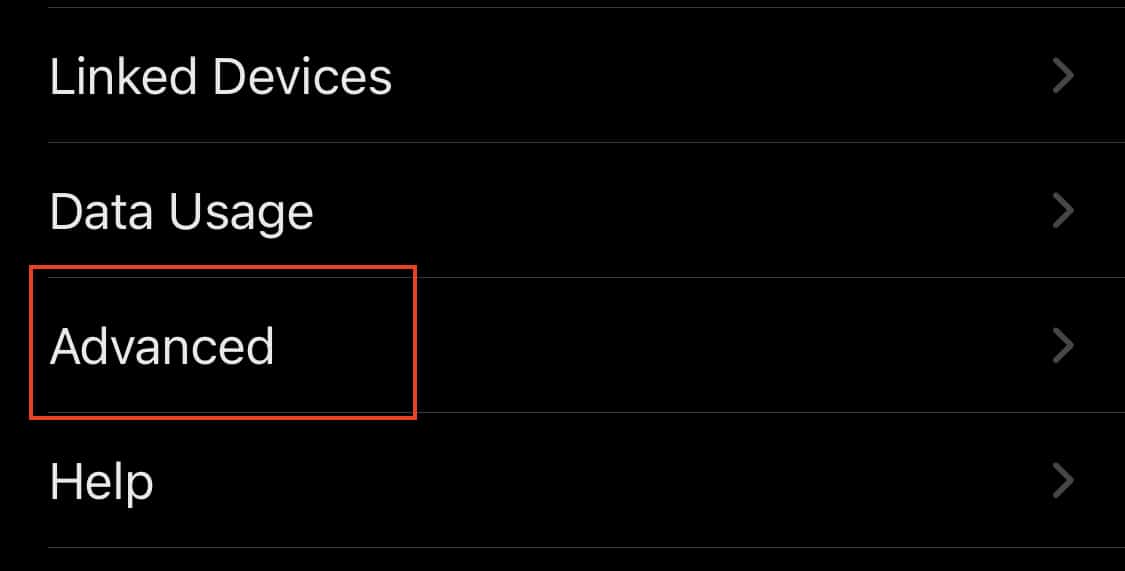
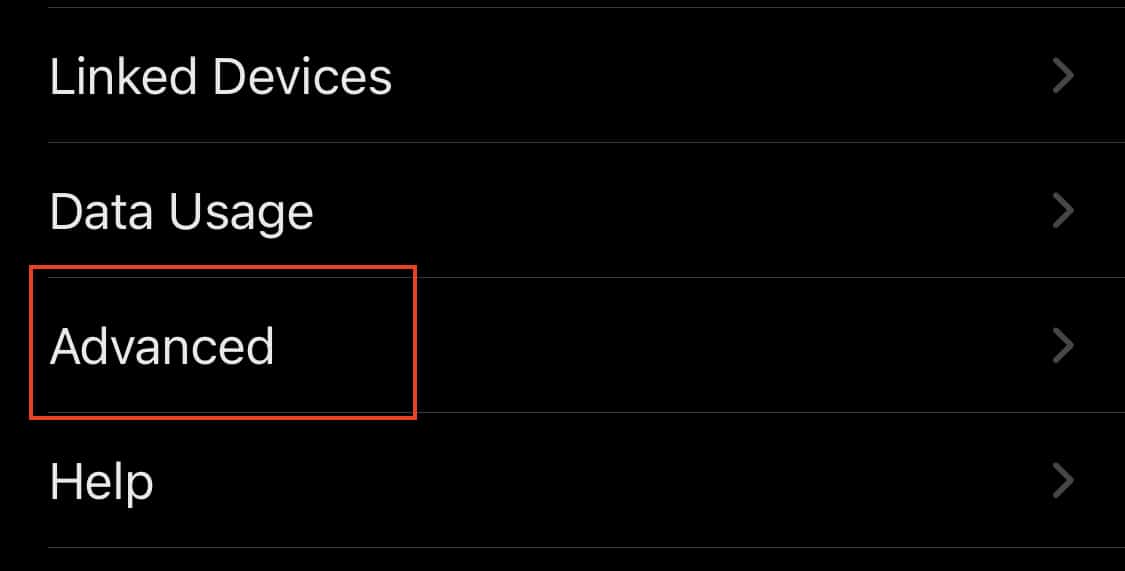
In the settings menu, tap on the ‘Advanced‘ option.
 

How to delete your Signal Messaging App account


Tap on the ‘Delete Account‘ button from the advanced settings menu.
 

How to delete your Signal Messaging App account


Confirm the operation on the pop-up window, and in a few seconds, your Signal account will be deleted. Now, keep in mind that deleting your Signal account means that you cannot restore the same from a backup at a later date. If you feel like using the Signal Messaging app again, you will have to start from scratch.

You can download your copy of the Signal messaging app from the link below.

Signal for Android – Click Here.

Signal for iOS – Click Here.

Signal for PC – Click Here.

Tags
Delete accountSignal
Share
Previous How to react to messages on the Signal Messaging App
Next How to check the version of the Signal Messaging app

Recent Posts

  • Vertiv to Acquire ThermoKey in Bid to Dominate Data Center Cooling Market
  • Vertiv Acquires ThermoKey to Bolster Data Center Cooling Capabilities
  • Neopets Makes Console Debut With ‘Mega Mini Games Collection’ After Two Decades
All Rights Reserved TechPlugged.com
  • Home
  • About us
  • Contact Us
  • Privacy Policy
  • Tech News
  • Reviews
  • Auto Tech
  • Troubleshoot
    • Glossary
Press ESC to close
[convertkit form=3237866]