


OpenAI created ChatGPT for Teachers to give verified US K-12 educators a dedicated version of its chatbot. Teachers receive unlimited messages using GPT-5.1 Auto. This model handles extended conversations without limits on length or frequency. The setup allows educators to process files, generate images, search information, and connect to other applications. Verification happens through SheerID, a service that checks educator status securely. Once approved, teachers set up a free workspace valid until June 2027.
The workspace operates in a secure environment. It complies with the Family Education Rights and Privacy Act, known as FERPA. Anything shared inside stays private. OpenAI does not use data from these sessions to train its models by default. This choice prevents student information from influencing future AI outputs. Teachers control what enters the system. They upload lesson plans or student work only when needed for specific tasks.
GPT-5.1 Auto works by maintaining context across multiple exchanges. It remembers prior inputs within a session. This feature helps when planning lessons step by step. A teacher might start with a topic like basic algebra. The AI suggests examples tailored to grade level. Then it adjusts based on requests for worksheets or quizzes. Personalization options let users set preferences for grade, curriculum, or output format. Outputs come as bullet lists, paragraphs, or slides depending on the choice.
File uploads expand usability. Teachers drag in PDFs of textbooks or images of classroom boards. The AI analyzes content and suggests activities. For instance, it scans a history document and creates discussion questions. Image generation fills gaps in visual aids. A request for a diagram of the water cycle produces a clear illustration. Connectors link to tools like Google Drive or Microsoft 365. Files pull directly into chats. This integration cuts time spent switching applications.
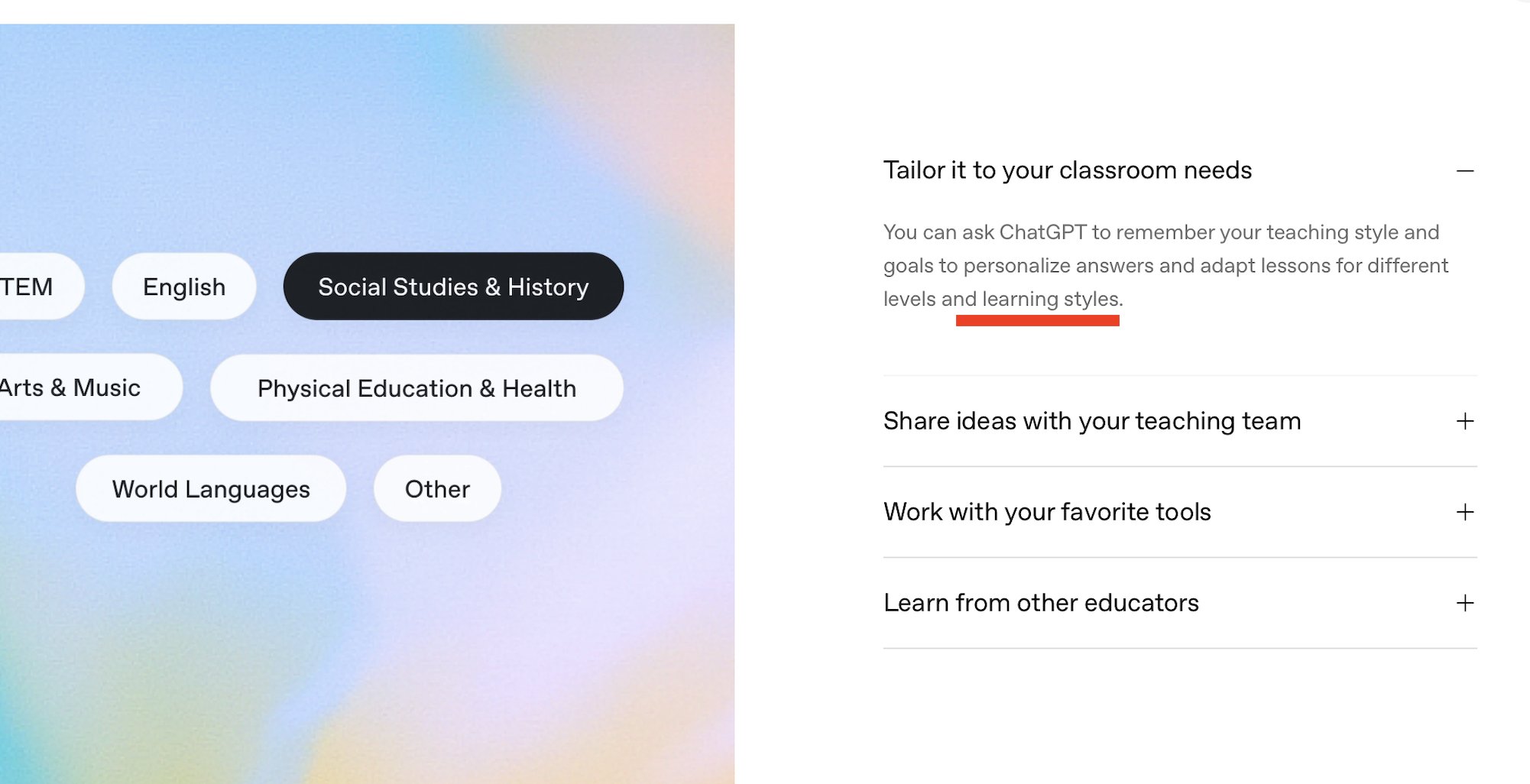
Collaboration tools connect educators. Teachers share chats with colleagues. They co-plan lessons in real time. Custom GPTs serve as templates for repeated tasks. One school builds a GPT for science experiments. Others adapt it for their districts. Role-based access controls who edits or views shared content. District leaders manage accounts centrally. They use SAML single sign-on for authentication. Domain controls ensure only approved users join.
Study Mode guides student interactions. It breaks down problems into steps. An AI responds to queries with explanations before answers. This method builds understanding gradually. Large language models generate materials on demand. They handle interactive sessions where students ask follow-ups. Teachers monitor usage without exposing personal data.
OpenAI drew from educator feedback in development. Partnerships with the American Federation of Teachers shaped features. The group equipped 400,000 K-12 educators with AI training. International efforts include work with Ministries of Education in Estonia and Greece. These provide models for local adaptations. Teachers already represent active users among ChatGPT’s 800 million weekly visitors. Surveys show three in five use AI tools regularly.
Verification starts with a simple form. SheerID cross-checks school email or credentials. Approval grants immediate access. Teachers invite teams to workspaces. No credit card required. The free period runs through June 2027. After that, standard pricing applies unless extended.
Design choices prioritize isolation. Data stays within the educator’s workspace. No cross-training occurs with general user data. This setup addresses school privacy rules. Constraints come from federal laws like FERPA. They demand strict controls on minor data. Tradeoffs involve limited model updates for these users. Changes roll out slower to maintain compliance checks.
App connectors handle workflow gaps. Canva integration generates designs from text prompts. Google Drive pulls documents for summarization. Microsoft 365 links calendars or notes. Each starts sessions with context loaded. This reduces setup time. Examples from real teachers appear in the interface. They show lesson prep for subjects like math or literature.
Account management scales for districts. Leaders assign roles like admin or viewer. Centralized billing tracks usage. SSO prevents password fatigue. Security logs track access without revealing content.
GPT-5.1 Auto processes complex requests. It chains reasoning across turns. A lesson on photosynthesis might evolve into experiments then assessments. Memory retains details like class size or student levels. This persistence avoids repetition.
Image generation uses DALL-E variants tuned for education. Outputs avoid biases through filters. Requests specify styles like diagrams or timelines. File analysis supports multiple formats. PDFs convert to editable text. Spreadsheets yield charts or insights.
The platform limits exposure risks. Sessions end without saving unless chosen. Exports go to secure drives. No public sharing defaults.
OpenAI maintains the service through verified channels. Updates announce via blog or email. Teachers access support through in-app help. Districts contact enterprise teams for custom setups.
Current limits include US-only verification for now. International expansion follows local privacy alignment. GPT-5.1 requires stable internet. Offline mode absent. Storage caps apply to uploaded files per account.
