

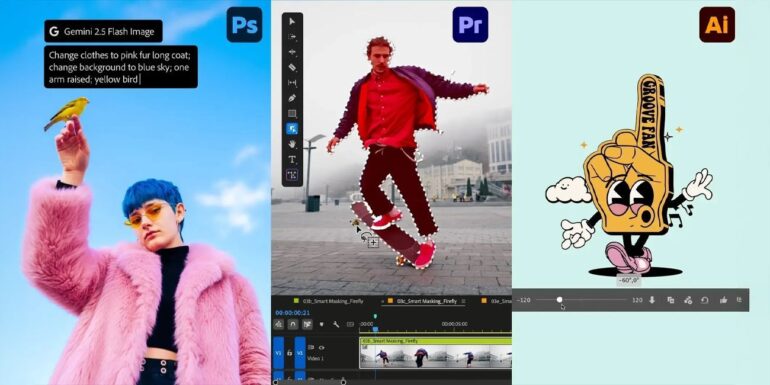

Adobe just announced a bunch of updates for Premiere Pro and After Effects that could make video editing a lot less tedious. The biggest addition is a new AI-powered Object Mask feature in Premiere that automatically tracks people or objects moving through your video clips. If you have ever spent hours manually adjusting masks frame by frame, you know how much time this could save.
Table of Contents
How the Object Mask feature works
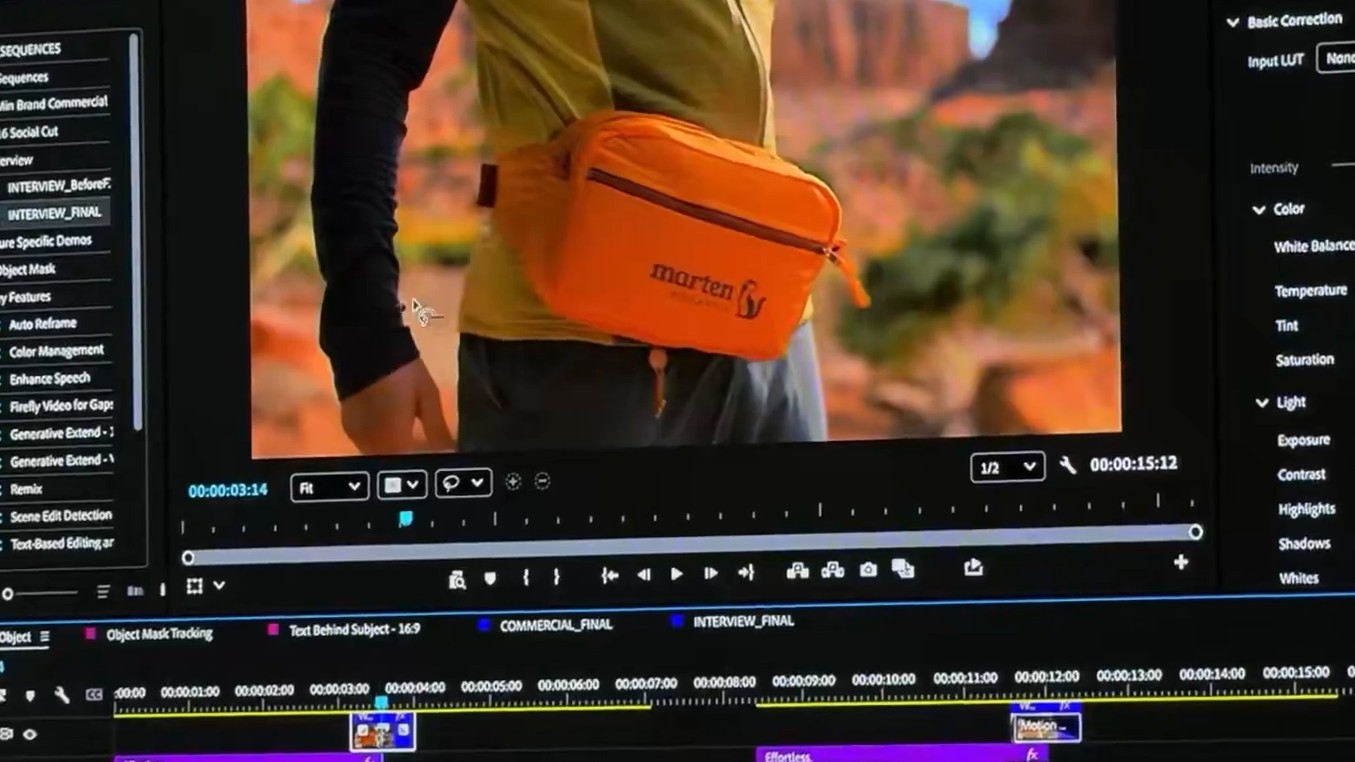
The new Object Mask tool is designed to be simple. You hover over whatever person or object you want to track in your video, click on it, and the AI generates a mask overlay in seconds. The mask is supposed to be accurate right from the start, but you can still adjust and resize it if something is not quite right. This is the kind of thing that used to require painstaking manual work, especially when the object was moving in complex ways or changing size as it moved closer or farther from the camera.
What makes this particularly interesting is that Adobe is using its own AI model for the feature, and all the processing happens on your device. That means you are not sending your video files to Adobe’s servers to get processed, which is good news for anyone working on projects that involve confidential or sensitive material. Adobe also says it is not using your activities and data to train its AI models, which addresses some of the privacy concerns people have had about AI tools in creative software.
Adobe has also improved Shape Masks
Adobe did not stop with the Object Mask feature. The company also upgraded its existing Shape Mask tool with improvements that make it more useful. You can now generate the redesigned Ellipse, Rectangle and Pen masks directly from the toolbar instead of digging through menus. The controls for moving or adjusting the masks have been updated to make everything more precise, which matters when you are trying to get things exactly right.
The speed improvement for object tracking is particularly notable. The updated shape masks can now track objects in your video clips 20 times faster than the previous versions. That is a huge jump. If you were spending 20 minutes waiting for a mask to track through a long clip, that same task now takes around one minute. You no longer need to sit there watching the status bar slowly fill up while your computer churns through the processing.
How does this tie in with other Adobe tools?
Adobe is also making it easier to move content between different applications in its ecosystem. Premiere Pro now has a direct way to bring media from Firefly Boards into your projects. Firefly Boards is Adobe’s AI-powered digital canvas where you can generate and organize visual ideas. Being able to pull that content straight into Premiere without having to export and import files manually streamlines the workflow for people who are using multiple Adobe tools together.
Adobe Stock is now fully integrated within Premiere Pro as well. If you need stock footage or music for a project, you can search for it, preview it, and add it to your timeline without ever leaving the application. This is one of those quality of life improvements that seems small but adds up when you are working on multiple projects and constantly need to grab stock assets.
After Effects has also got in a few changes
After Effects also got some attention in this update. The software can now import SVG files, which are commonly used in Illustrator. This makes it easier to work with vector graphics and move them between different Adobe applications without losing quality or having to convert file formats.
The other big addition to After Effects is the ability to build graphics and photorealistic objects using 3D parametric meshes. These meshes include basic shapes like cubes, spheres, cylinders, cones, toruses, and planes. For motion graphics artists and visual effects professionals, having these tools built directly into After Effects means less need to switch over to dedicated 3D software for certain tasks. You can build and manipulate 3D objects right inside the application you are already using.
Who exactly can use these features?
Adobe has not specified whether these new tools are available to everyone with Premiere Pro and After Effects subscriptions or if they require specific subscription tiers. Historically, Adobe has made most major features available across all subscription levels, but some AI-powered tools have been limited to higher tier plans or required additional credits.
The on-device processing requirement also means you need a computer with enough power to run the AI models locally. Older machines or entry level laptops might struggle with the processing demands, though Adobe typically does a decent job of optimizing its software to run on a range of hardware.
